
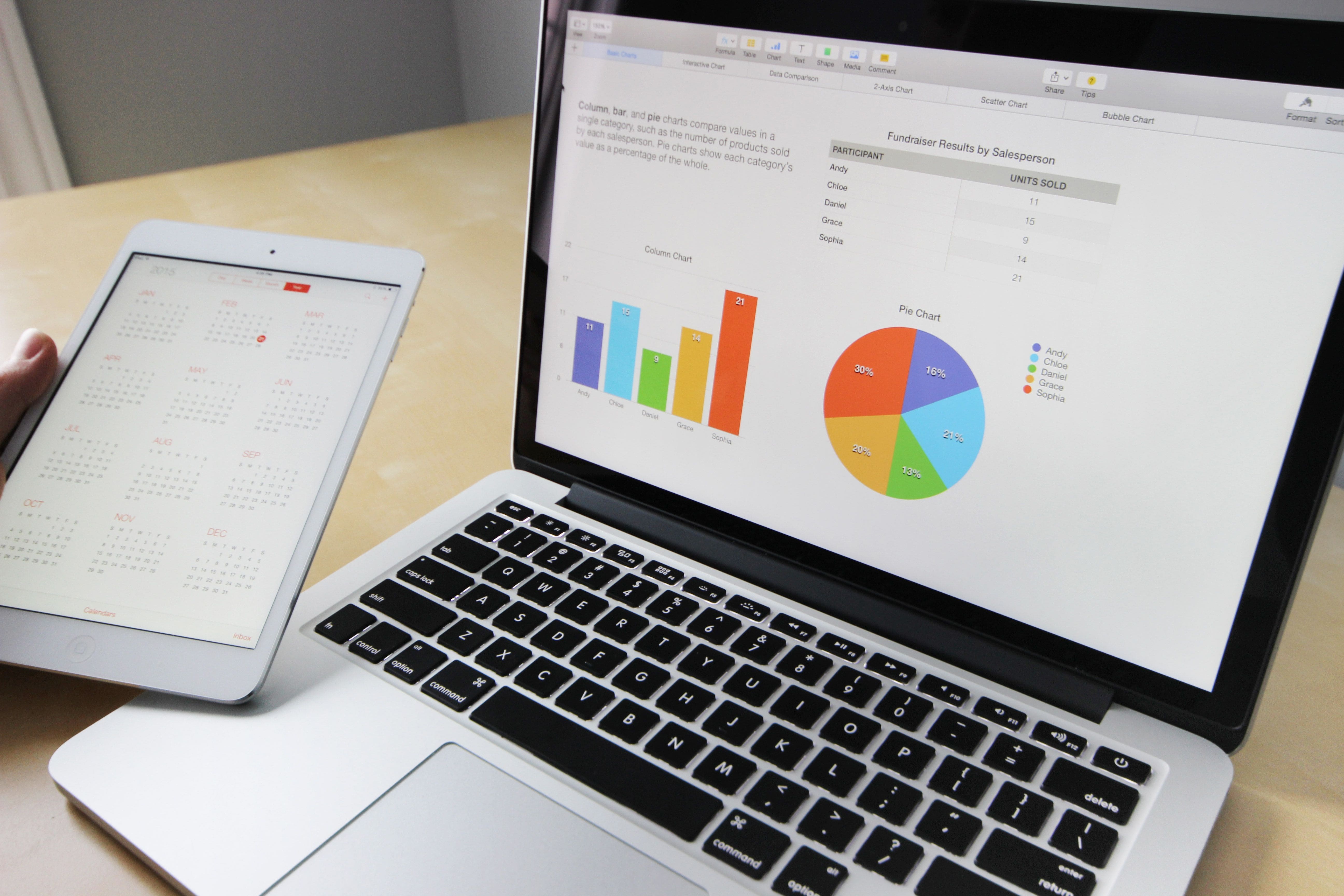
MS EXCEL - Intermediate Data Analysis & dashboards

Introduction

Day One – Intermediate Microsoft Excel

Participants will develop the ability to apply intermediate Microsoft Excel features and functions to improve the quality, efficiency and productivity of their day-to-day work.

This one-day, hands-on programme provides structured guidance from an experienced trainer, enabling participants to learn practical Excel techniques efficiently rather than relying on time-consuming trial-and-error methods. Through practical exercises and guided applications, participants will build confidence in using Excel to manage, analyse and present data more effectively.

Upon completion of Day One, participants will have established a strong foundation to progress to Day Two – Dashboard Storytelling with KPIs for Corporate Data.

Day Two – Dashboard Storytelling with KPIs for Corporate Data

Participants will gain practical, hands-on experience in transforming corporate data into dynamic and interactive dashboards that provide meaningful business insights.

Using a sample business database, participants will learn how to organise, analyse and visualise data, develop relevant Key Performance Indicators (KPIs), and create interactive dashboards that communicate information clearly and effectively.

The programme encourages participants to apply their own creativity and presentation style, enabling them to develop dashboards that are not only visually engaging but also useful for business performance monitoring and decision-making.

Outcome

At the end of this programme, participants will be able to:

- Understand key Microsoft Excel features, functions, data analysis techniques, KPIs and the principles of effective dashboard design.
- Apply intermediate Excel functions and tools to organise, analyse and present data, and create dynamic and interactive dashboards.
- Analyse corporate databases using Excel techniques and KPIs to identify trends, patterns, variances and key business insights.
- Evaluate data and dashboard outputs to determine the relevance, accuracy and effectiveness of information for business performance monitoring.
- Demonstrate the ability to develop and present a professional, interactive dashboard that communicates key business information clearly and supports effective decision-making.

Select to design your own content and request for a customized quotation

No Topic Topic Description
1 Introductions
  • Ice Breaker
  • Objectives of Program
  • Agenda
  • Administrative matters
2 Creating & Customising Workbooks, Formatting Data
  • Create & customizing an excel workbook
  • Linking Tabs
  • Formatting data & Tables
  • Conditional Formatting 
  • Managing Rules
  • Formulas
  • Converting text to numbers
  • Templates & practical uses and etc
  • Exercise On Workbooks, Worksheets & Tables
3 Analysing data In The Table
  • Filtering data, Custom Auto filter
  • Sorting data
  • Logical functions IF, AND , OR 
  • Sumif, Countif, Nested ifs, Average A,
  • Grouping, subtotals
  • Sparklines
  • Pivot Tables
  • Vlookup, Hlookup-simple & advanced
  • Range Names
  • Hands on training of Module 2
4 Other Features Of EXCEL
  • Printing & Formatting 
  • Header & Footers
  • Grouping Tabs
  • Hyperlinks in the workbooks
  • Save an Excel workbook in earlier versions of Excel
  • Worksheet & workbook protection
  • Hands on training  of Module 3
5 Creating & Modifying Charts
  • Creating various charts
  • Formatting charts
  • Modifying charts & adding elements
  • Additional Data series
  • Changing Chart types  
  • Using Quick Analysis Tools
  • Hands on practice of Module 4
6 Preparation Of Workbook For Dashboard
  • Pivot table
  • Charts
  • Hands on practice of Module 5
7 Creating The Dashboard
  • Linking dashboard information to workings
  • Presenting Data using Dashboard
  • Hands on practice of Module 6
  • Re-cap & Q&A of entire training
8 Bonus Module: Tips & Tricks in EXCEL
  • Additional tips to speed up your work
  • Hands on practice of Module 7

Expert

Image

Social Media Icons

Copyright © 2021 PROFESSIONALS ASIA CONSULTANCY 202103127752 (RA0071453-H) - All rights reserved.

Register Form

Cancel

Sign in to your account

Register Form

Cancel

Sign in to your account